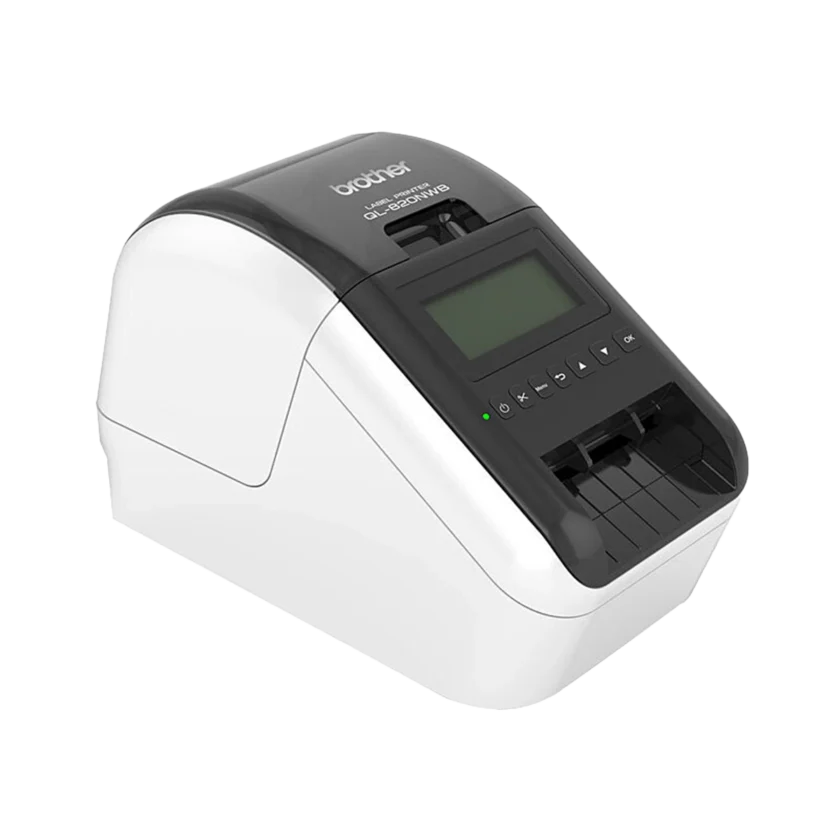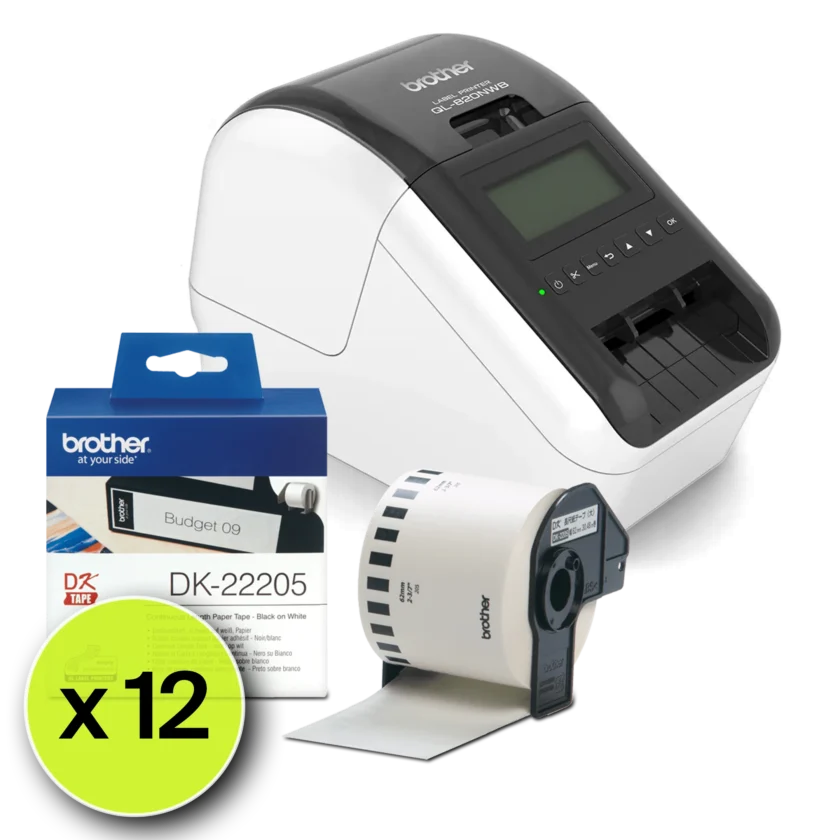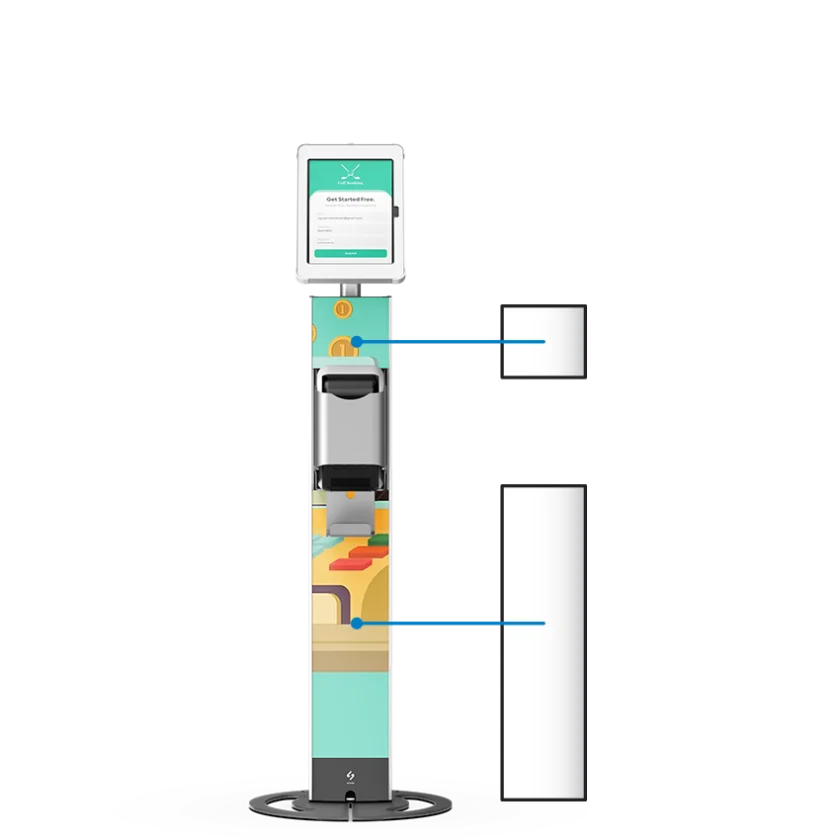
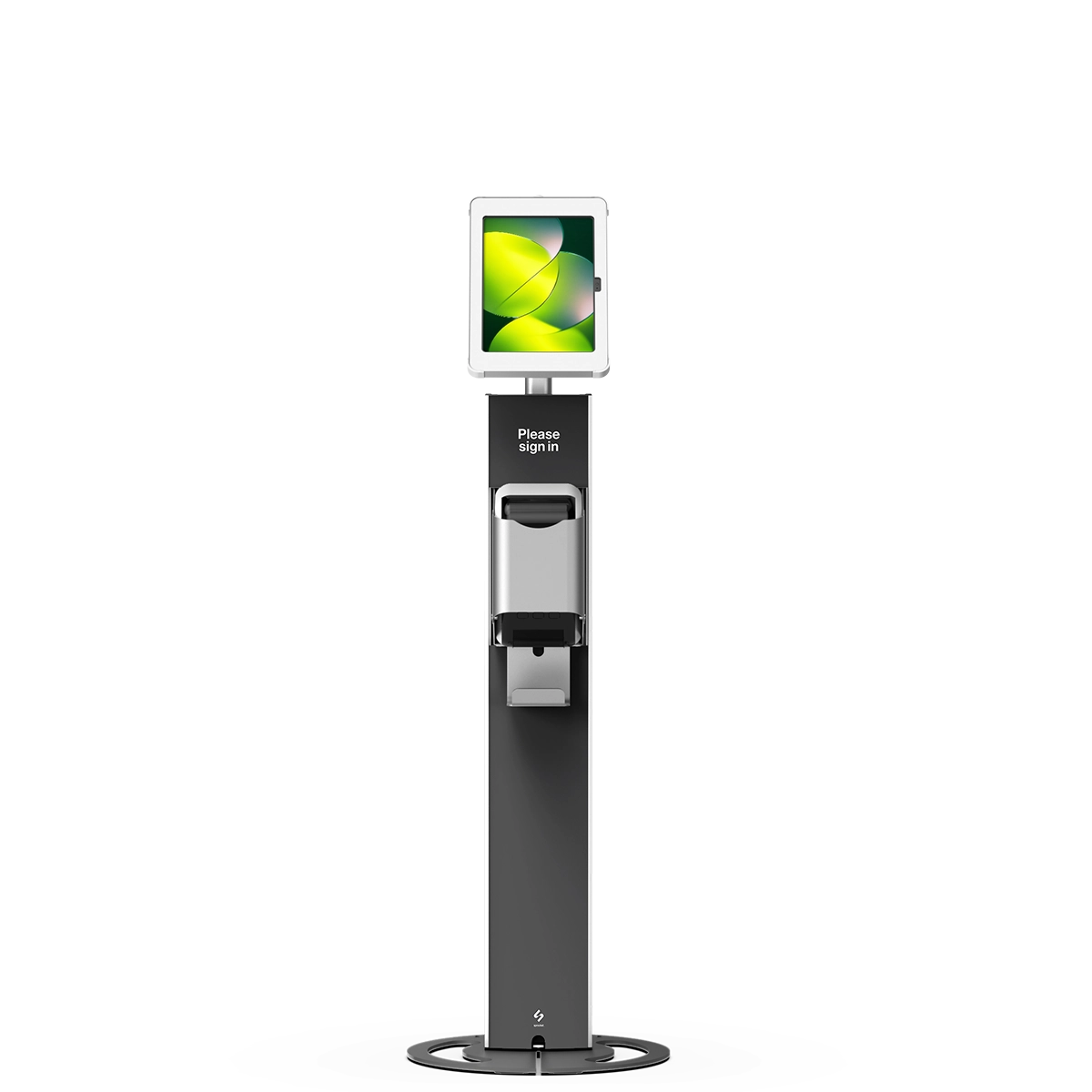
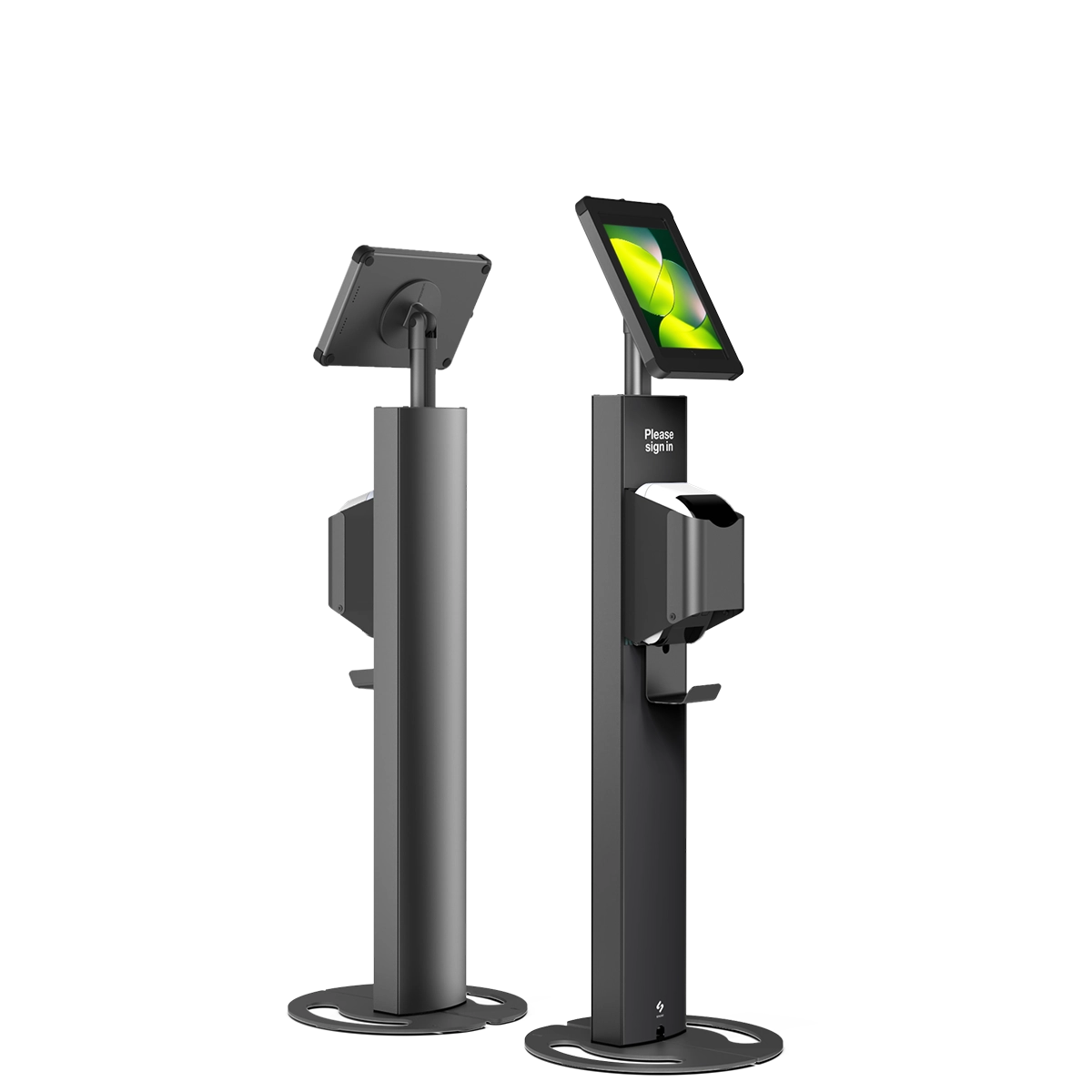
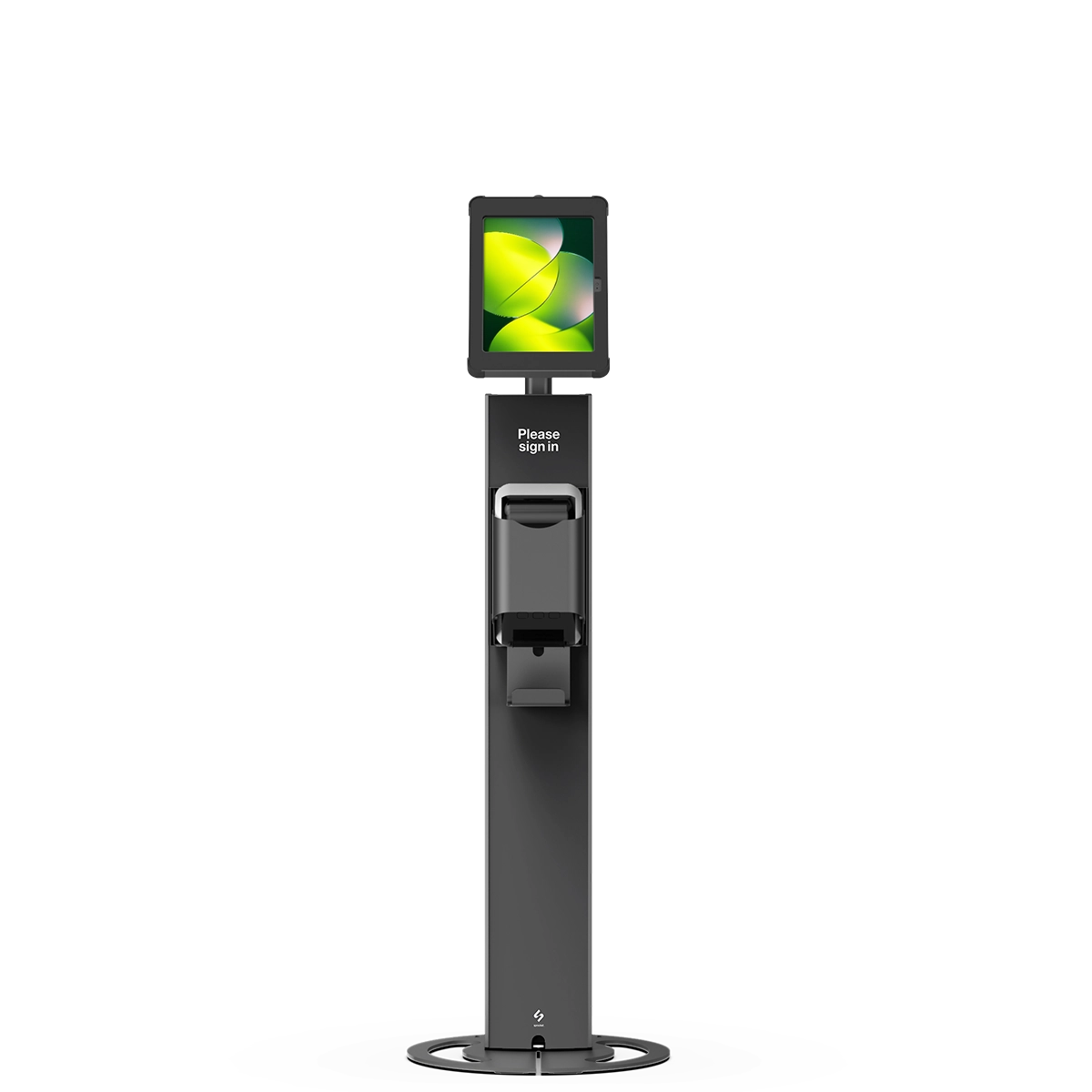
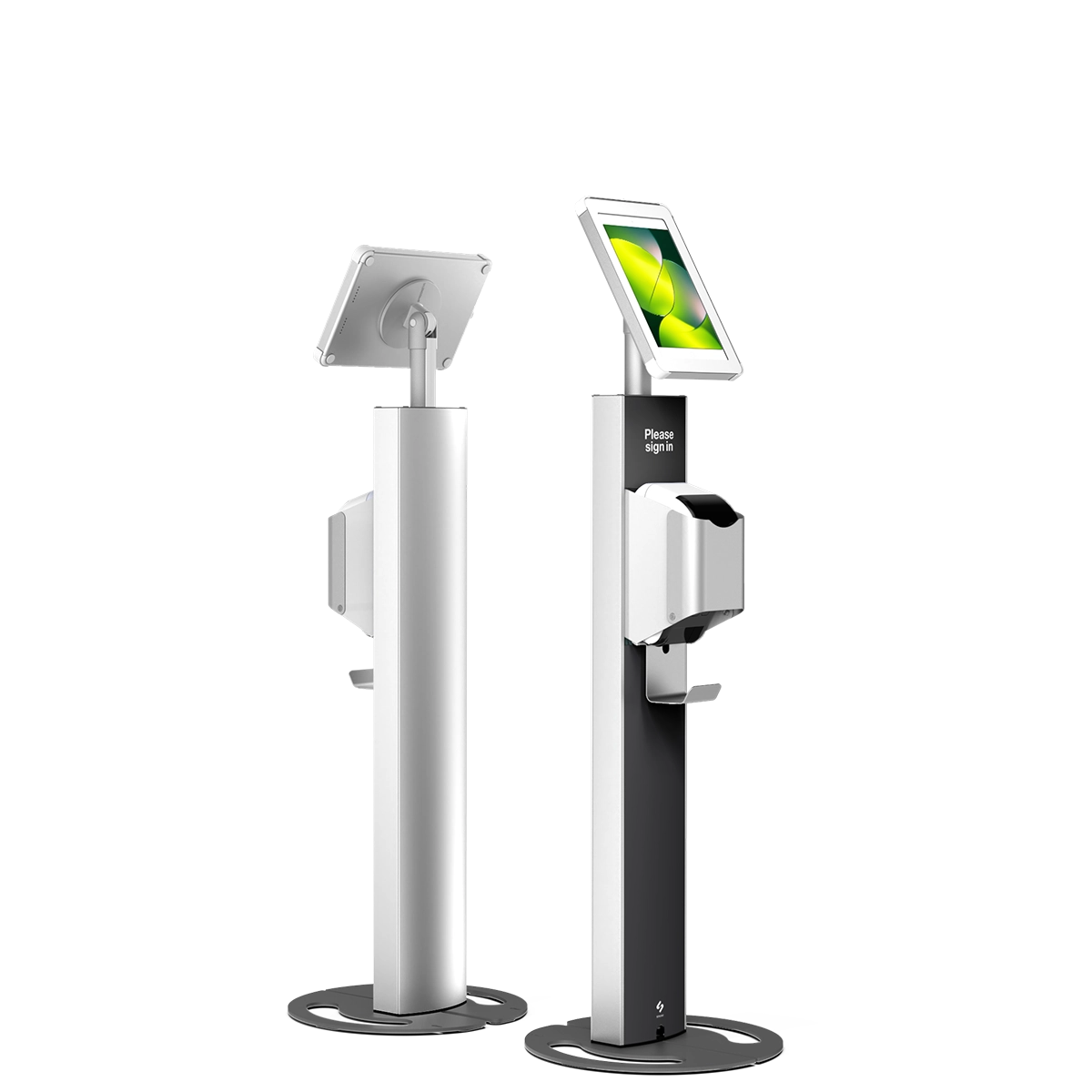

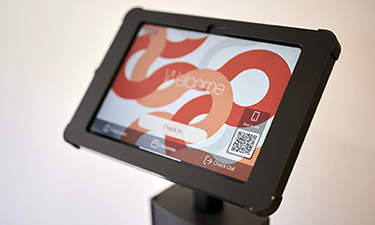
The T Print 10 label printer kiosk stands at 1m, ensuring visibility while maintaining sightlines in any setting. With a simple setup requiring just a tablet, printer, and app, you can streamline operations and enable on-demand printing of adhesive-backed labels for visitor badges and temporary IDs.
From $825
The T Print 10 includes all hardware-ready parts—just add your label printer, tablet and app. It’s a plug-and-play kiosk solution for fast, on-demand badge and ID printing.
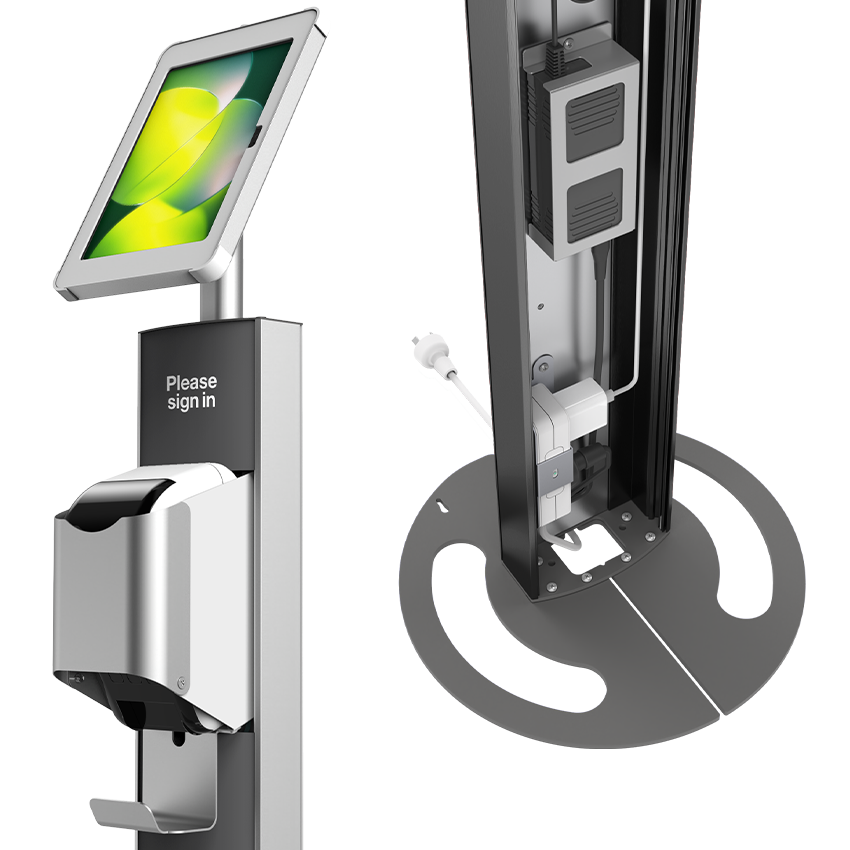
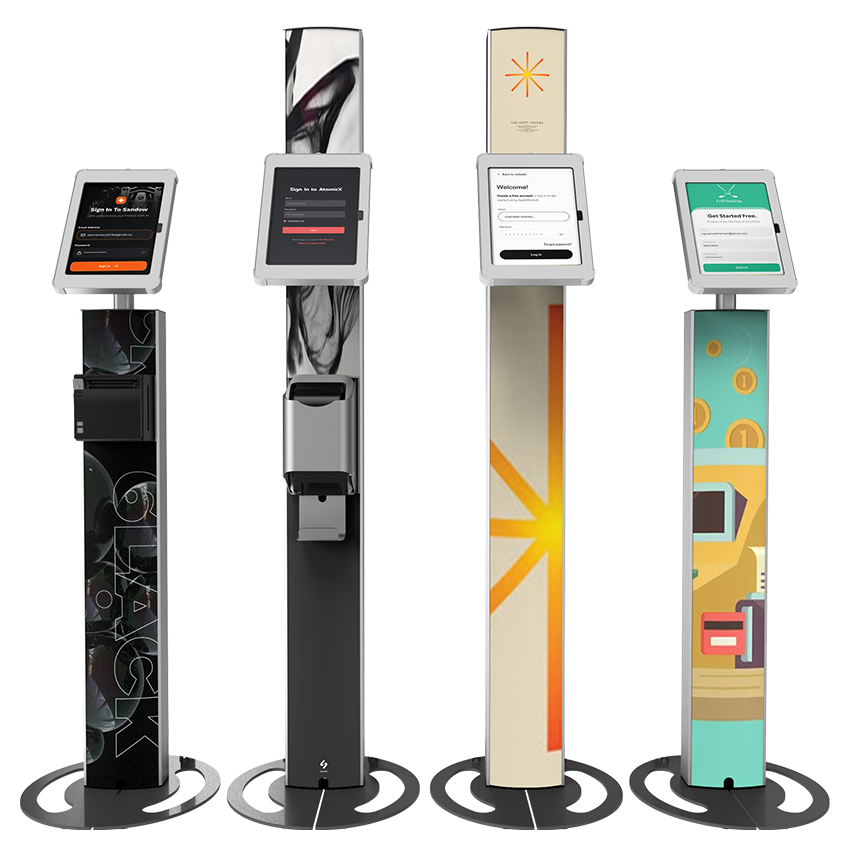
Our T Series models feature curved polypropylene cover panels, cleverly designed for rigidity and durability. Lightweight with a premium finish, they’re ideal for custom branding that enhances your message and presentation.

Our cases are designed to fit leading tablet models including iPad, Samsung Galaxy and Microsoft Surface.
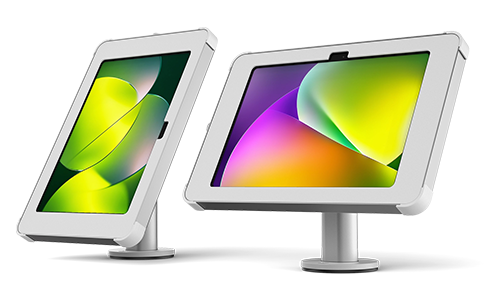
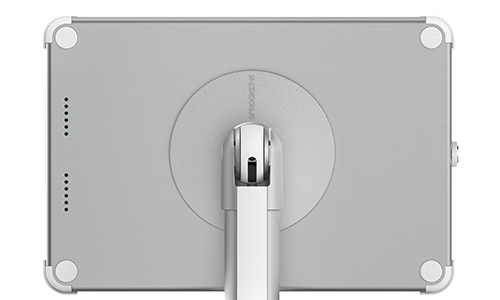
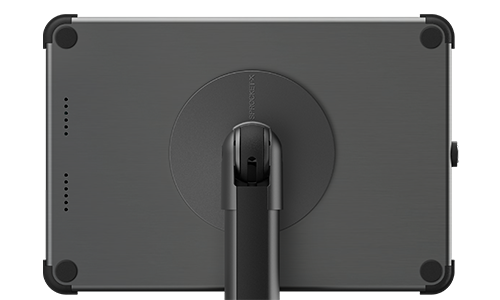
The case assembles in either portrait or landscape mode, adapting to your content and app layout
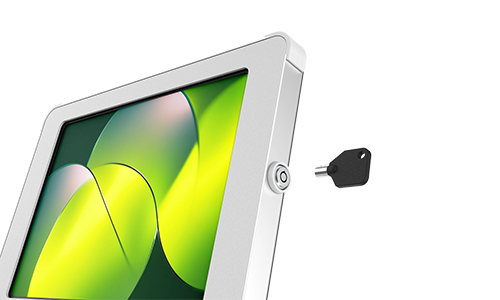
Tablet cases are secured with a radial key lock, offering reliable, tamper-resistant protection .
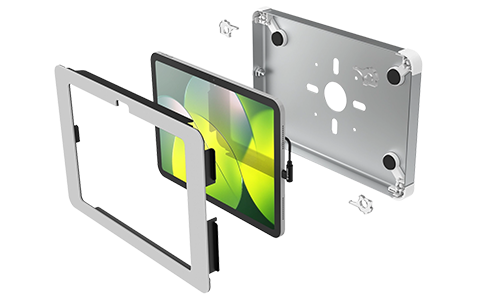
Precision metal and moulded components form a premium assembly promising long term performance.
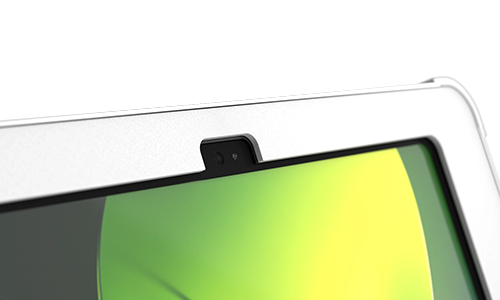
Faceplates expose the front-facing camera and some model’s rear camera on request (additional fees apply).
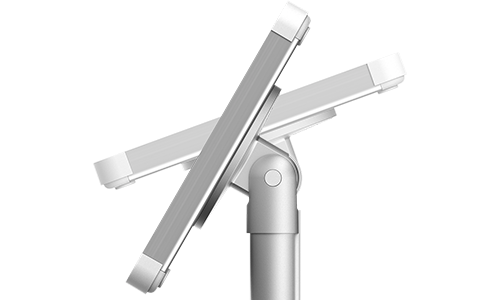
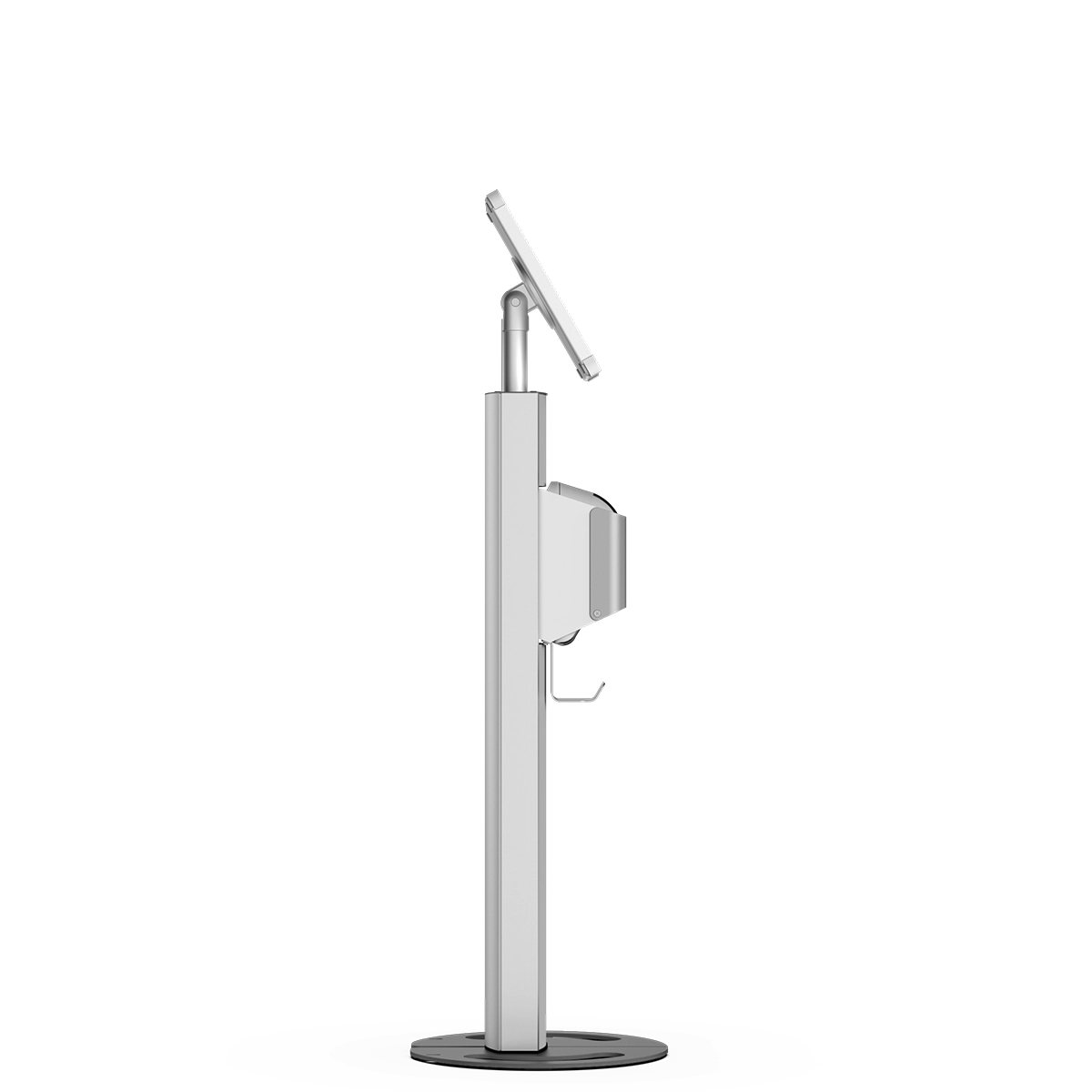
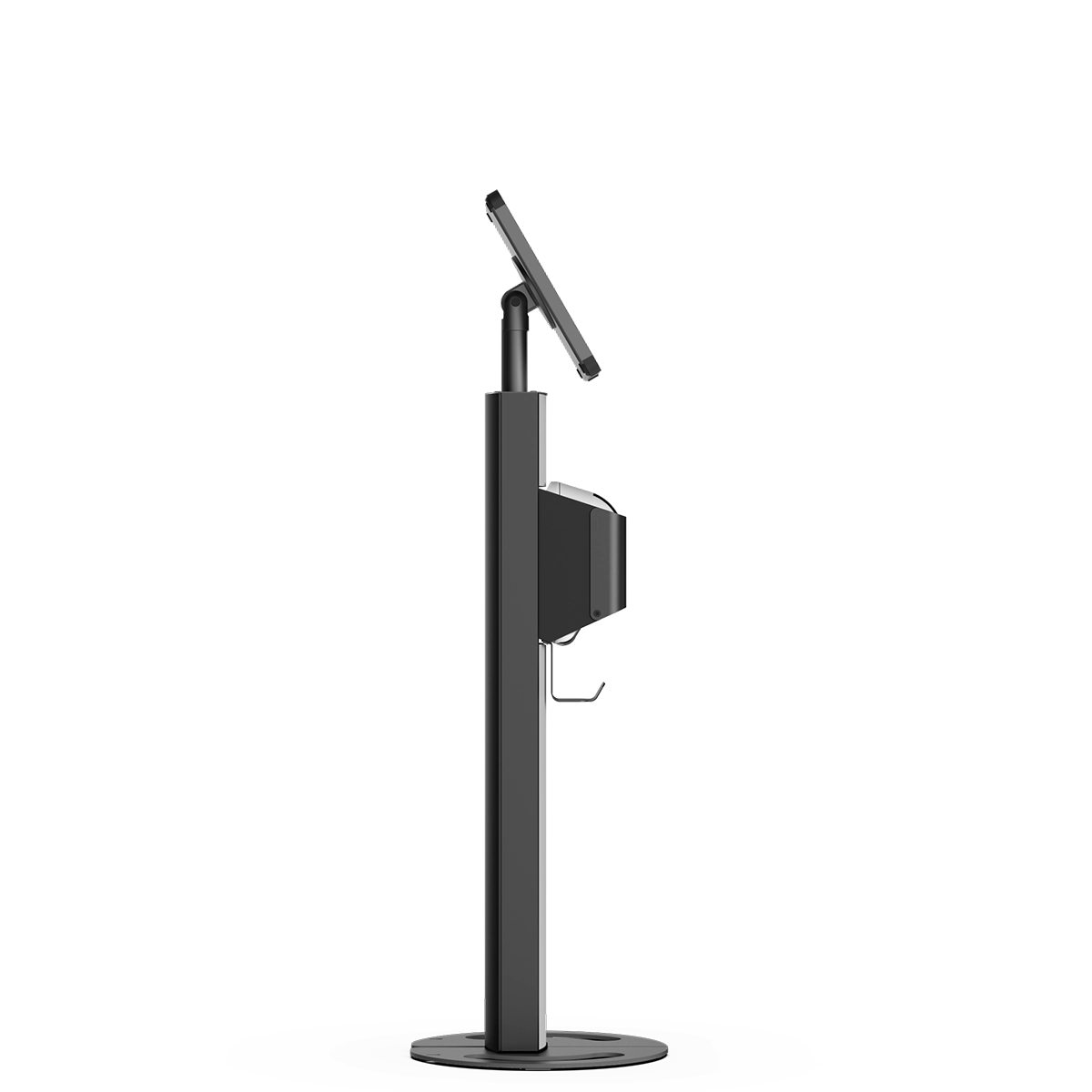
Find the perfect screen angle for every user with our rock-solid hinge that stays put when you set it.
| Install Type | Freestanding |
|---|---|
| Cable Management | Concealed |
| Screen Tilt Adjustment | 0-90° Adjustment |
| Screen Orientation | Portrait or Landscape |
| Screen Height | 1100 mm |
| Security Level - Case | High - Key Lock |
| Supported Tablet Sizes | M (9-11") L (12-13") |
| Supported Printer Models | QL-810W, QL-820NWB, QL-820NWBc |
|---|---|
|
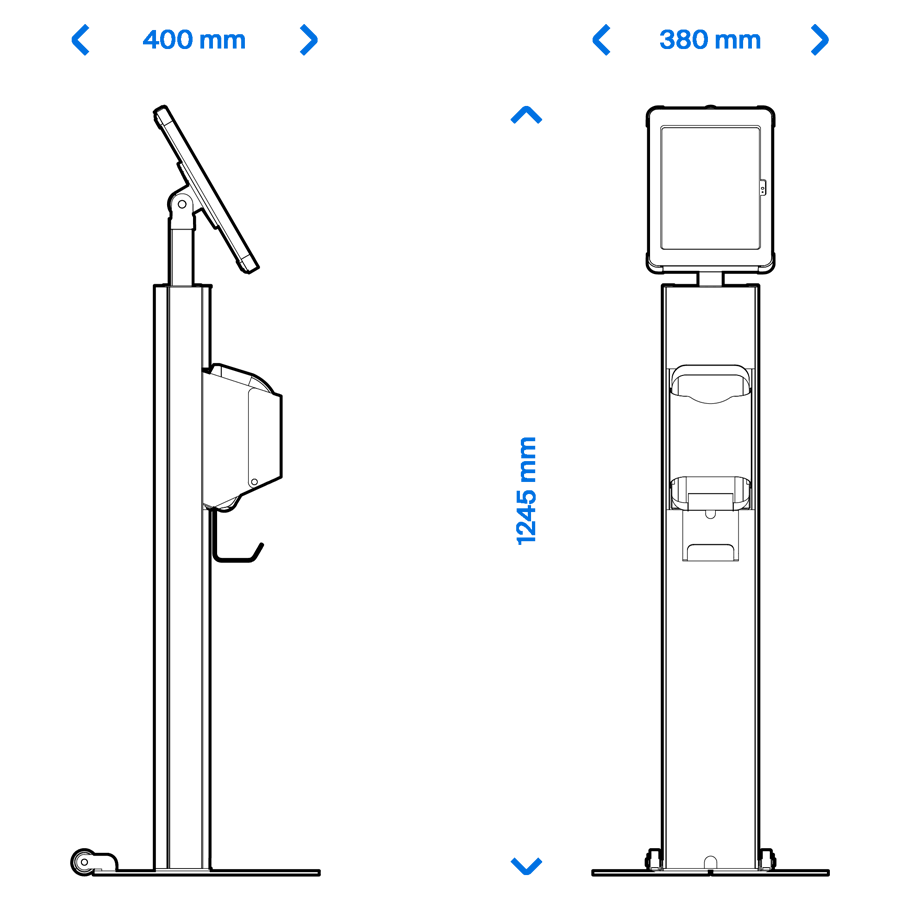
M Enclosure (9-11") L x W x Hmm |
380 x 360 x 1250 mm |
|---|---|
|
L Enclosure (12-13") L x W x Hmm |
380 x 360 x 1265 mm |
| Weight (kg) | 12.1 kg |
| Apple iPads |
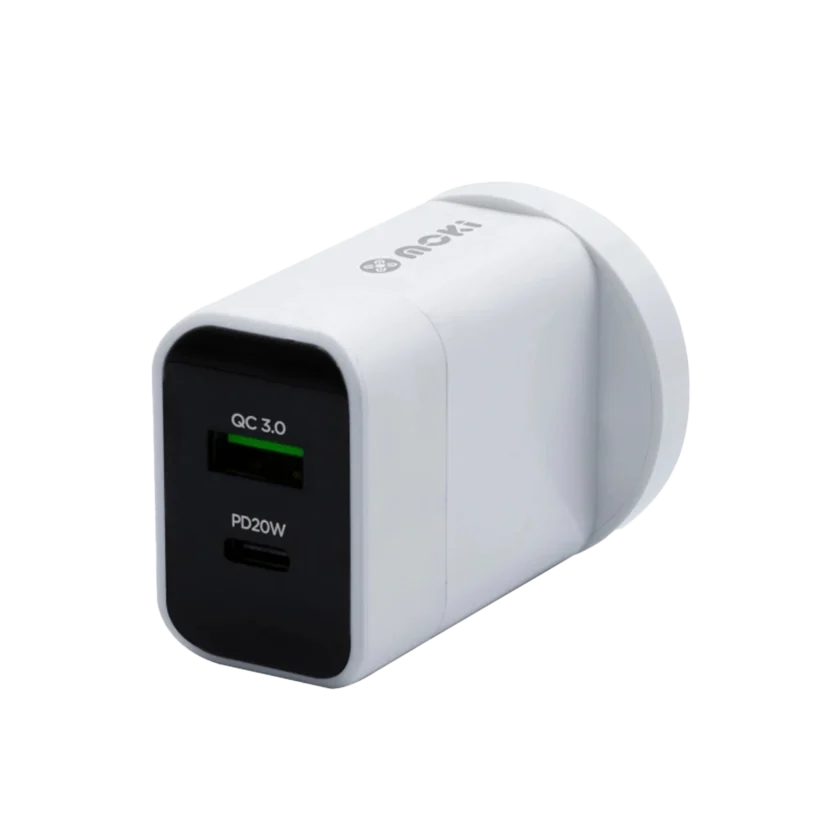
Secure Case and Keys Stand Baseplate Stand Pillar Tilt Mechanism Printer Bracket Printer Power Supply Bracket Power Board and Bracket Polypropylene Cover Panels Fastener Kit 2m Charge Cable |
| Samsung Galaxy Tabs |
Secure Case and Keys Stand Baseplate Stand Pillar Tilt Mechanism Printer Bracket Printer Power Supply Bracket Power Board and Bracket Polypropylene Cover Panels Fastener Kit 2m Charge Cable |
| Microsoft Surface Tabs |
Secure Case and Keys Stand Baseplate Stand Pillar Tilt Mechanism Printer Bracket Printer Power Supply Bracket Power Board and Bracket Polypropylene Cover Panels Fastener Kit |
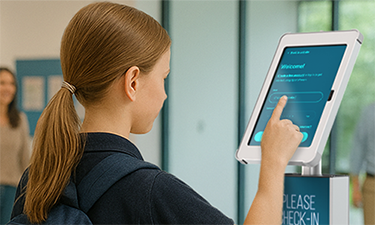
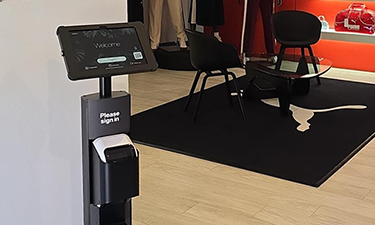
Our label printer stands fit the most popular Brother label printers including the QL-810W, QL-820NWB or QL-820NWBc models. As new printers come online you can be assured Sprocket will be the first to market with the best compatible Brother printer solution.
Changing the Brother label rolls is a breeze with it’s top-loading drop in mechanism—simply lift up the hinged cover, open the printer and drop in the new roll. Close again to prompt roll auto-feed and reset.
The Sprocket T Print 15 is designed to catch the attention of guests with its prominent call to action. It features an adjustable tablet view angle, accommodating users of all heights for a comfortable check-in experience. The labels print into a clearly visible catcher, making it easy for both standing guests and those in wheelchairs to retrieve their labels. Additionally, the hidden cables and single mains power cable ensure a neat and tidy reception area.
Yes, both the Brother label printer and the tablet case are securely screw mounted into the aluminium extruded chassis. The powder coated steel Brother printer enclosure also features a front cover plate concealing the printer buttons for a tamper proof operation. All power components are discretely mounted inside the chassis minimising unauthorised access and ensuring a trip-hazard-free environment.
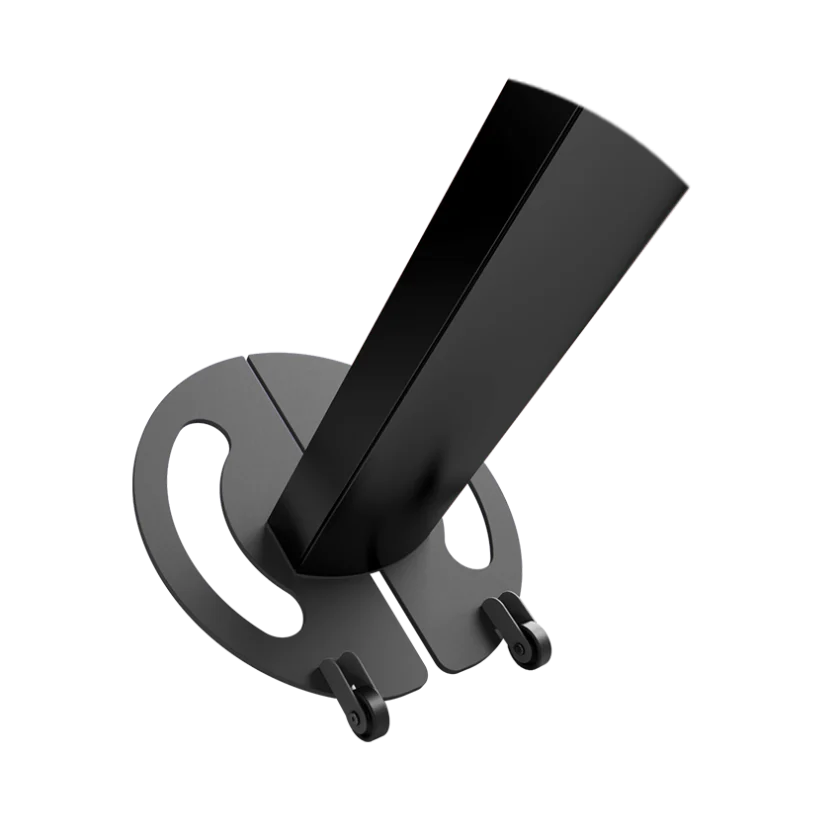
Sprocket’s label printer kiosks are manufactured from high grade aluminium and steel and weigh just over 10 KG. The solid steel baseplate is finished with a scratch resistant powder coating and the pillar is reinforced with a steel spine for strength.
Sprocket tablet stands are designed in conformance with DDA guidelines and cater for both ambulant and wheelchair users. Most models feature a tilt-adjustable screen and the T-Print 10 has a paper catcher set at the recommended ergonomic height.